👉 Join the conversation on Discord
Each lesson on this learning site has its own post in the foundations-course channel of the CAI Discord server. If you have any question about this video, feel free to post and we'll try to help out!
Signing an image at creation indicating its origin type
In this lesson, we'll learn how to sign an image at creation and include how the image was made. We’re going to use the settings.toml file that we created in the previous lesson as-is, and we’re going to build upon the manifest definition file we started by adding our actions assertion.
Example use case for this lesson
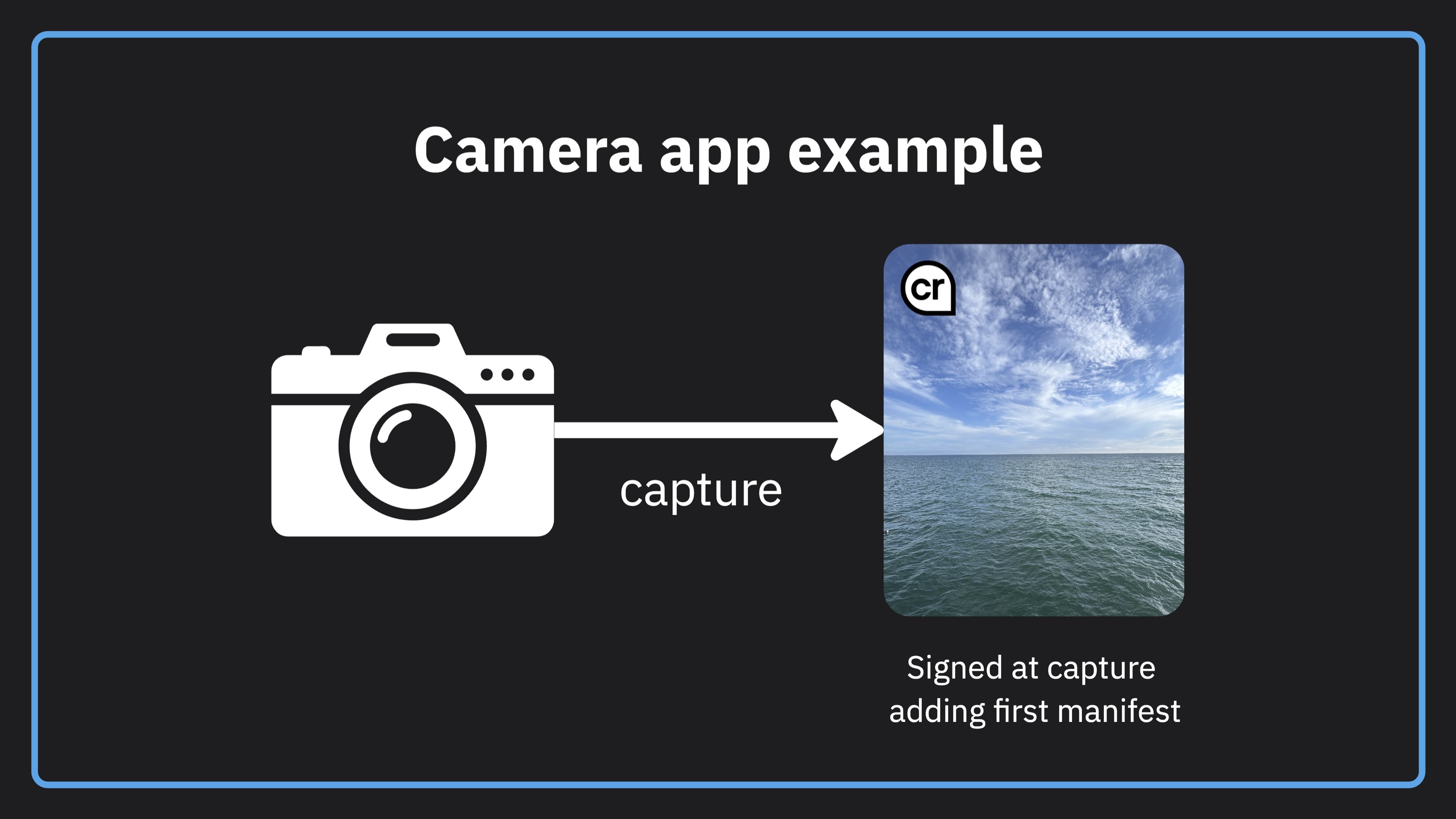
CAI resources for building a camera app
This lesson uses the C2PA Tool to illustrate the concepts how to sign an image from a camera at capture. If you are interested in using these approaches to build an actual camera app, have a look at these two CAI libraries for iOS and Android.
Code from the lesson
// manifest.json

{
  "claim_generator_info":[{
    "name": "Demo Camera App",
    "version": "1.0.0"
  }],

  "assertions": [
    {
      "label": "c2pa.actions.v2",
      "data": {
        "actions": [
          {
            "action": "c2pa.created",
            "digitalSourceType":
              "http://cv.iptc.org/newscodes/digitalsourcetype/digitalCapture"
          }
        ]
      }
    }
  ]
}
# c2patool command to sign the image

./c2patool --settings config/settings.toml capture-unsigned.jpg \
  -m config/manifest.json -o capture-signed.jpg
Getting more help
You can access the CAI Docs to learn more about implementing Content Credentials. If you have questions about this video, there is a forum set up on the CAI Discord for each video. You can access discussion for this video here. We would love to see your questions there!