👉 Join the conversation on Discord
Each lesson on this learning site has its own post in the foundations-course channel of the CAI Discord server. If you have any question about this video, feel free to post and we'll try to help out!
Formatting C2PA data for L1 and L2 Disclosures disclosures
This lesson will focus on how to take the Content Credentials we read in the browser in the last video and format the different pieces of data for display in our Content Credentials disclosures.
In particular, we’ll build on the last lesson by removing the JSON formatted manifest data and displaying a CR pin on the image. When the user clicks on the pin, we’ll display an L2 Content Credentials disclosure as a popover. Lastly, we’ll also construct a link that will open the asset on the Adobe Content Authenticity Inspect tool to display an L3 disclosure.
Example use case for this lesson
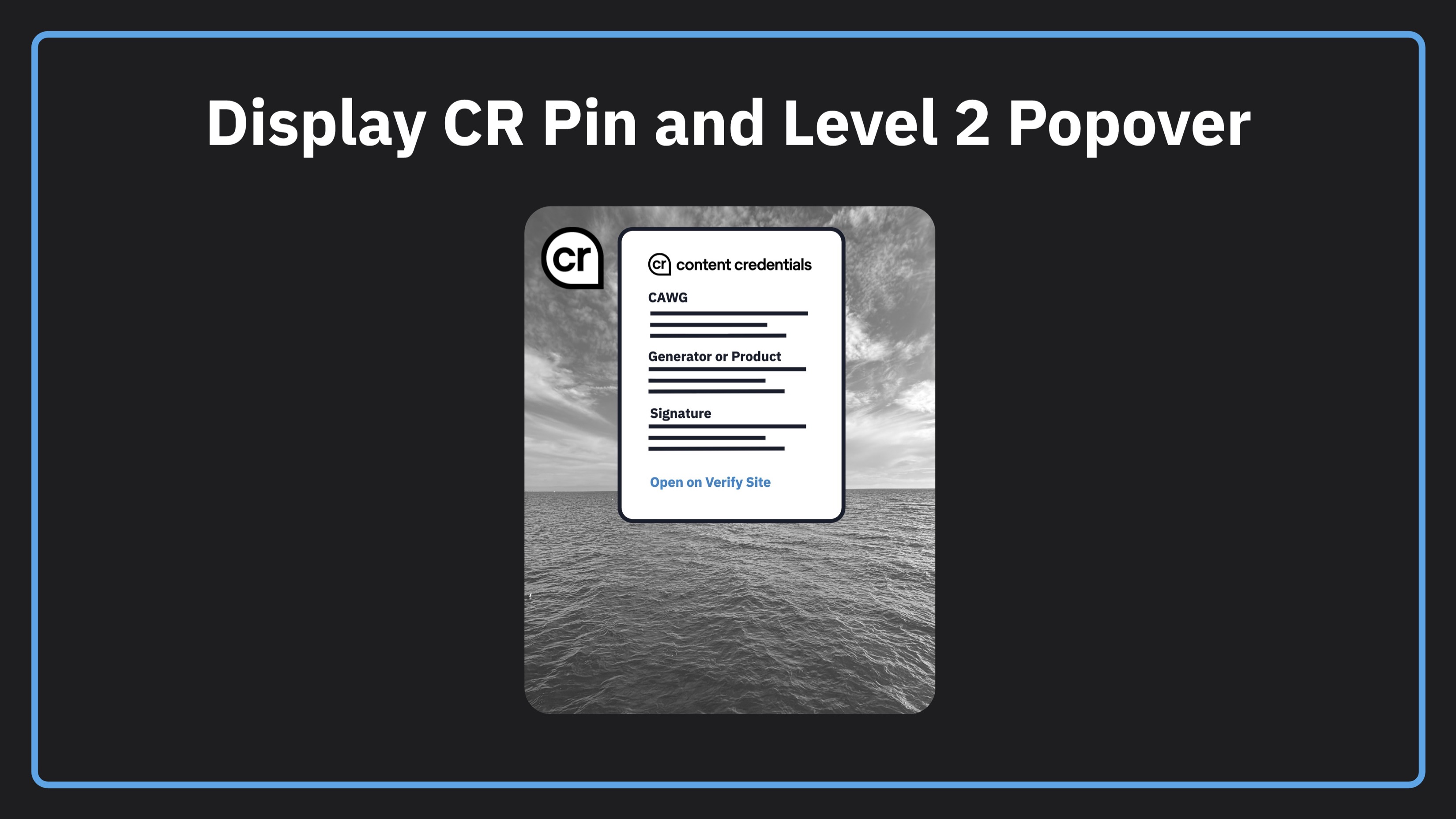
📂 Download zip of code and assets
Download the assets used in the demo here. Run npx serve --cors from the command line to serve locally. You just need node and npm installed on your system.
Code from the lesson
<!-- index.html -->

<!DOCTYPE html>
<html lang="en">

<head>
  <meta charset="UTF-8">
  <title>C2PA Demo</title>
  <script src="https://cdn.tailwindcss.com"></script>
  <script src="https://unpkg.com/vue@3/dist/vue.global.js"></script>
</head>

<body class="bg-gray-100 p-5">

  <div id="app">
    <h1 class="text-2xl font-bold mb-5">Content Credentials Demo</h1>
    <div class="relative">
      <img id="image" src="publish-signed.jpg" class="max-w-full rounded shadow h-[800px]">

      <div v-if="hasC2pa" class="absolute top-2 left-2 flex items-start gap-2">
        <img
          src="cr.png"
          class="w-9 h-9 cursor-pointer"
          @click="showPopover = !showPopover"
        >
        <div
          v-if="showPopover"
          class="bg-white rounded-lg p-4 shadow-lg space-y-3 w-72"
        >
          <h2 class="text-xl font-medium border-b pb-2">Content Credentials</h2>
          <div v-for="item in fields" :key="item.label">
            <h3 class="text-xs text-gray-500 uppercase">{{ item.label }}</h3>
            <p class="text-sm">{{ item.value }}</p>
          </div>
          <div class="border-t pt-2">
            <a :href="verifyUrl" target="_blank" class="text-small text-sky-600">Open on Verify Site</a>
          </div>
        </div>
      </div>
    </div>
  </div>

  <script type="module">
    import { createC2pa } from 'https://cdn.jsdelivr.net/npm/@contentauth/c2pa-web@0.5.5/+esm';
    import { trustAnchors } from '/config.js';

    const wasmSrc = 'https://cdn.jsdelivr.net/npm/@contentauth/c2pa-web@0.5.5/dist/resources/c2pa_bg.wasm';
    const { createApp } = Vue;

    createApp({
      data() {
        return {
          loading: true,
          hasC2pa: false,
          showPopover: false,
          fields: [],
          verifyUrl: ''
        };
      },
      async mounted() {

        // Same steps from the first video
        const c2pa = await createC2pa({
          wasmSrc: wasmSrc,
          settings: {
            trust: { trustAnchors },
            cawgTrust: { trustAnchors }
          }
        });
        const image = document.getElementById('image');
        const response = await fetch(image.src);
        const blob = await response.blob();
        const reader = await c2pa.reader.fromBlob(blob.type, blob);
        const manifestStore = await reader.manifestStore();

        // Get the active manifest from the manifest store by the active manifest label
        const activeManifest = manifestStore.manifests[manifestStore.active_manifest];

        // Get all assertions from the active manifest
        const assertions = activeManifest.assertions;

        // Get the identity from the CAWG identity assertion certificate
        const identityAssertion = assertions.find(a => a.label === 'cawg.identity');
        const identity = identityAssertion?.data?.signature_info?.issuer;

        // Get the list of actions
        const actionsAssertion = assertions.find(a => a.label === 'c2pa.actions.v2');
        const actions = actionsAssertion?.data?.actions?.map(a => a.action.split('c2pa.')[1]).join(', ');

        // Get the claim generator
        const claimGenerator = activeManifest?.claim_generator_info?.[0]?.name;

        // Get the C2PA signature info from the active manifest
        const issuer = activeManifest?.signature_info?.issuer;
        const timestamp = activeManifest?.signature_info?.time;

        // Build a URL to the Adobe Inspect site for a level three disclosure
        const verifyUrl = `https://contentauthenticity.adobe.com/inspect?source=${image.src}`;

        // Build the fields array for display in the popover
        const fields = [
          { label: 'Identity', value: identity },
          { label: 'Actions', value: actions },
          { label: 'Claim Generator', value: claimGenerator },
          { label: 'Signed By', value: issuer },
          { label: 'Signed At', value: timestamp }
        ];

        // Update Vue reactive state to show the popover icon and data
        this.fields = fields;
        this.verifyUrl = verifyUrl;
        this.hasC2pa = true;
        this.loading = false;

        // Free the reader to release WASM memory
        await reader.free();
      }
    }).mount('#app');
  </script>

</body>
</html>
Getting more help
You can access the CAI Docs to learn more about implementing Content Credentials. If you have questions about this video, there is a forum set up on the CAI Discord for each video. You can access discussion for this video here. We would love to see your questions there!